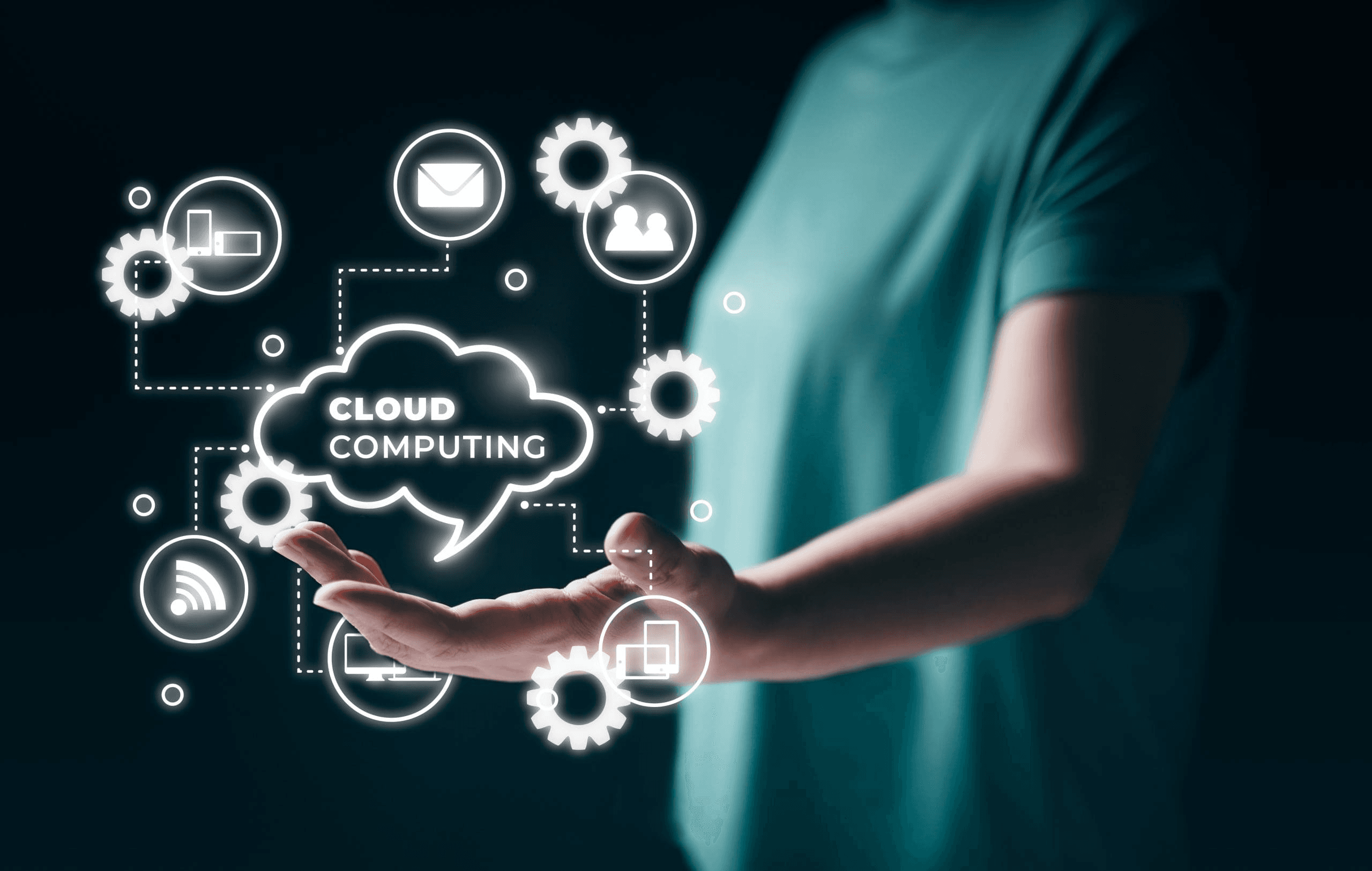
Have you ever wondered how you can access your photos from any device, anywhere in the world? Or how Netflix streams movies to millions of people simultaneously without owning massive warehouses full of computers? The answer is cloud computing, and it's already changed your life even if you don't realize it yet.
What Exactly Is Cloud Computing?
Think of cloud computing like renting an apartment instead of buying a house. Instead of purchasing expensive computers and storage devices that sit in your home or office, you're using powerful computers that belong to someone else, accessed through the internet.
When you save a photo to Google Photos, store a document in Dropbox, or binge-watch a series on Netflix, you're using cloud computing. The "cloud" is just a network of servers (powerful computers) located in data centers around the world, working together to store your data and run applications.

The Three Main Types of Cloud Services
- Storage : This is the simplest form of cloud computing. Services like Google Drive, iCloud, and Dropbox let you store files online instead of on your device. Drop a file into your cloud storage, and you can access it from your laptop, phone, or tablet.
- Software : Remember when you had to buy CDs to install Microsoft Office? Now you can use Google Docs or Microsoft 365 directly in your browser. You're using powerful software without installing anything on your computer. The app runs in the cloud, and you just interact with it.
- Computing Power : This one's more technical, but companies can rent computing power to run their businesses. Instead of buying servers, a startup can rent space on Amazon's or Microsoft's computers and only pay for what they use.
Common Concerns

Isn't the cloud just someone else's computer?
- Yes, technically! But that "someone else" is a multi-billion dollar company like Amazon, Google, or Microsoft with security measures that far exceed what most individuals or small businesses could implement on their own.
What if the internet goes down?
- Many cloud services offer offline modes. Google Docs, for example, lets you work without internet and syncs your changes when you reconnect. However, it's still smart to keep local backups of truly critical files.
Is my data private?
- Reputable cloud providers encrypt your data, meaning it's scrambled into unreadable code during storage and transmission. Always read the privacy policy and use strong passwords with two-factor authentication.
Getting Started With Cloud Computing
Here's how to begin

- Start with Storage : Sign up for a free account with Google Drive (15GB free), Dropbox (2GB free), or iCloud (5GB free for Apple users). Upload some photos or documents and practice accessing them from different devices.
- Try cloud-based Apps : Use Google Docs instead of Microsoft Word for your next document, or try Canva for graphic design. You'll be amazed at what you can do without installing software.
- Secure Your Accounts : Use strong, unique passwords and enable two-factor authentication on all your cloud services. Consider using a password manager (which is also cloud-based!) like LastPass or 1Password.
- Understand the Costs : Most services offer free tiers, but if you need more storage or features, compare pricing plans. Often, paying $2-10 monthly is cheaper than buying external hard drives or expensive software licenses.
Future Is Already Here
Cloud computing isn't a futuristic concept but it's your present reality. Every text message, social media post, and streaming video depends on it. By understanding the basics, you're better equipped to take advantage of these tools while keeping your data secure.

You don't need to be a tech expert to benefit from cloud computing. You just need to be willing to explore, experiment, and trust that sometimes, the sky really is a safer place for your digital life than the device in your pocket.